
Overview
If your organisation uses Manager Review, your learning plan must be reviewed and confirmed by your manager before you can start the assigned learning journey. The steps you see during registration can vary depending on your organisation’s configuration.
Before you start
• Depending on your organisation’s setup, your registration may include a Quiz, Self-Appraisal, or Standard Learning Plan.
• Complete the required registration and assessment steps before submitting your learning plan for manager review.
• Your manager must confirm the learning plan before you can continue with the assigned learning journey.
Complete your assessment and submit your learning plan
1. Complete your registration and assessment. Follow the assessment option configured for your organisation. The example below shows a Self-Appraisal.
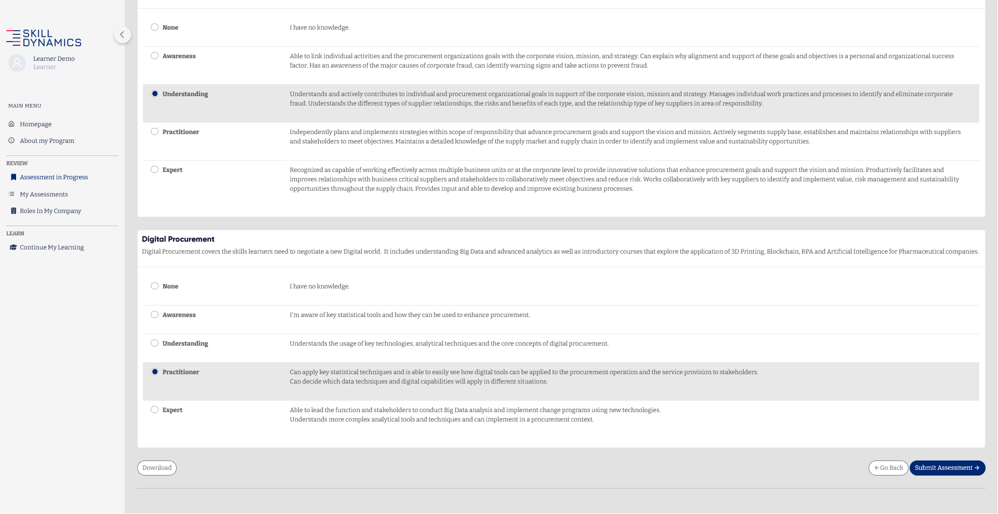
Screenshot: Example of a Self-Appraisal during registration.
2. Review the proposed learning plan. After completing the assessment, review the generated learning plan shown on the Finalize Your Assessment page.
3. Submit the learning plan. Click Submit to send your learning plan for manager review.
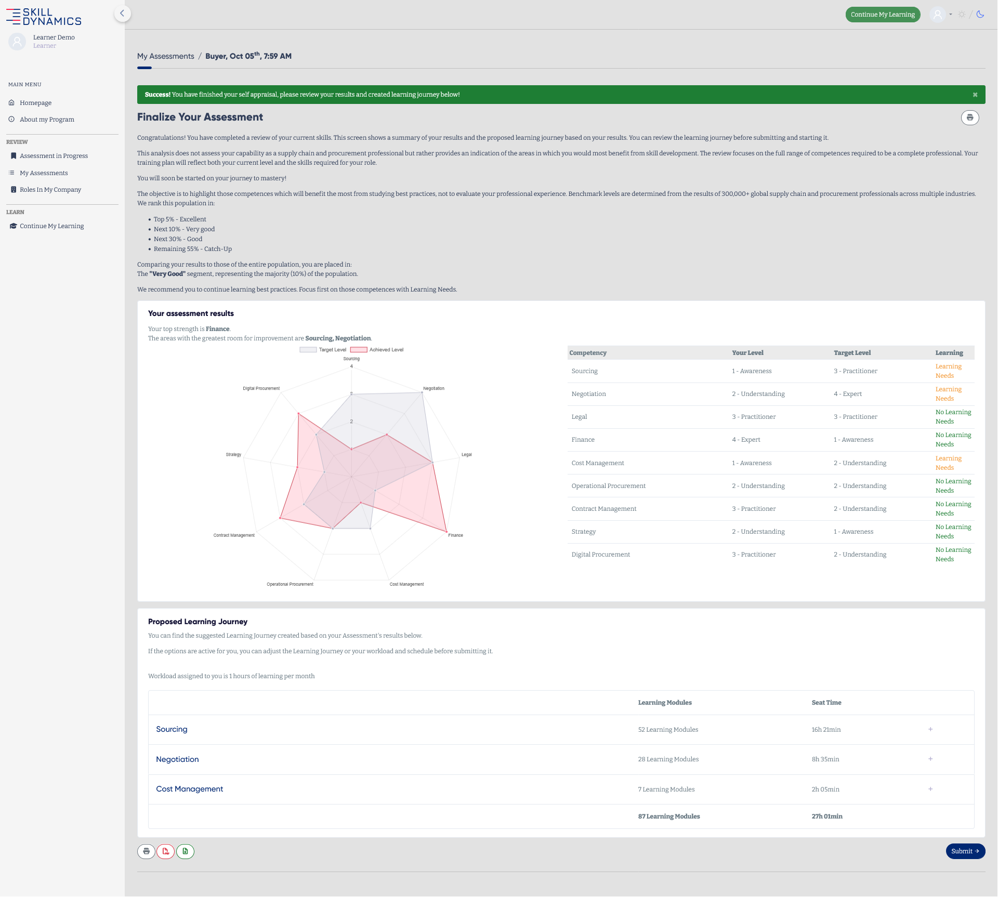
Screenshot: Finalize Your Assessment page with the proposed Learning Journey and Submit button.
Wait for your manager to review the learning plan
After submission, the platform confirms that your results have been sent to your manager. You will need to wait for your manager to review and confirm the learning plan before you can continue.
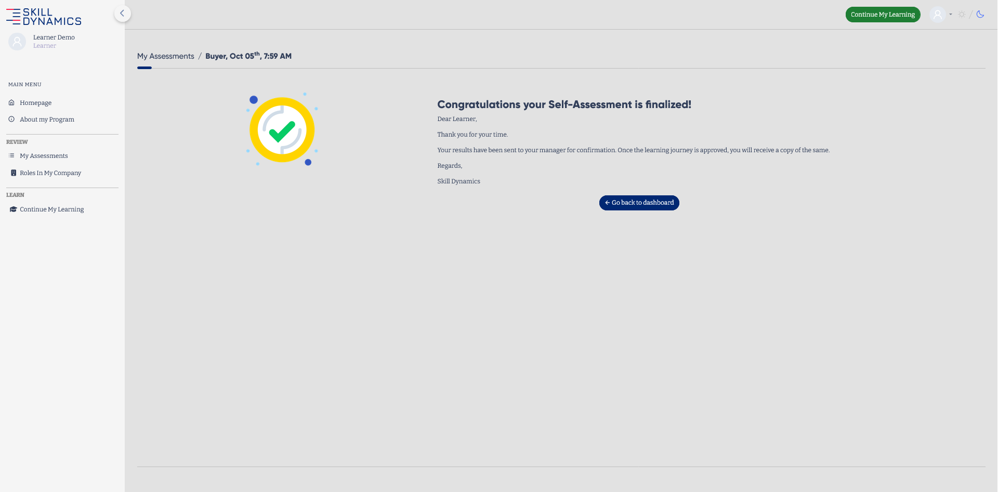
Screenshot: Confirmation that the assessment has been finalized and sent to the manager for review.
Check the review status and send a reminder
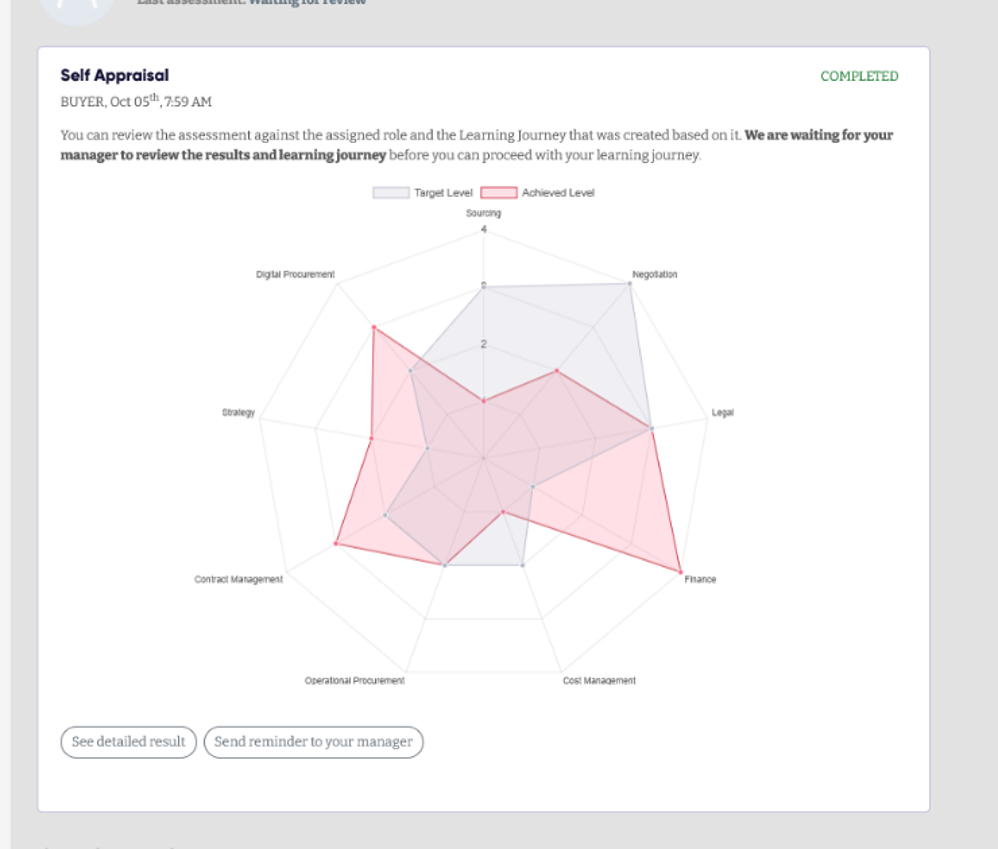
You can check the status of the assessment from My Assessments. If the assessment is still waiting for review, the status will show Waiting for Review. From this page, you can also send a reminder to your manager.
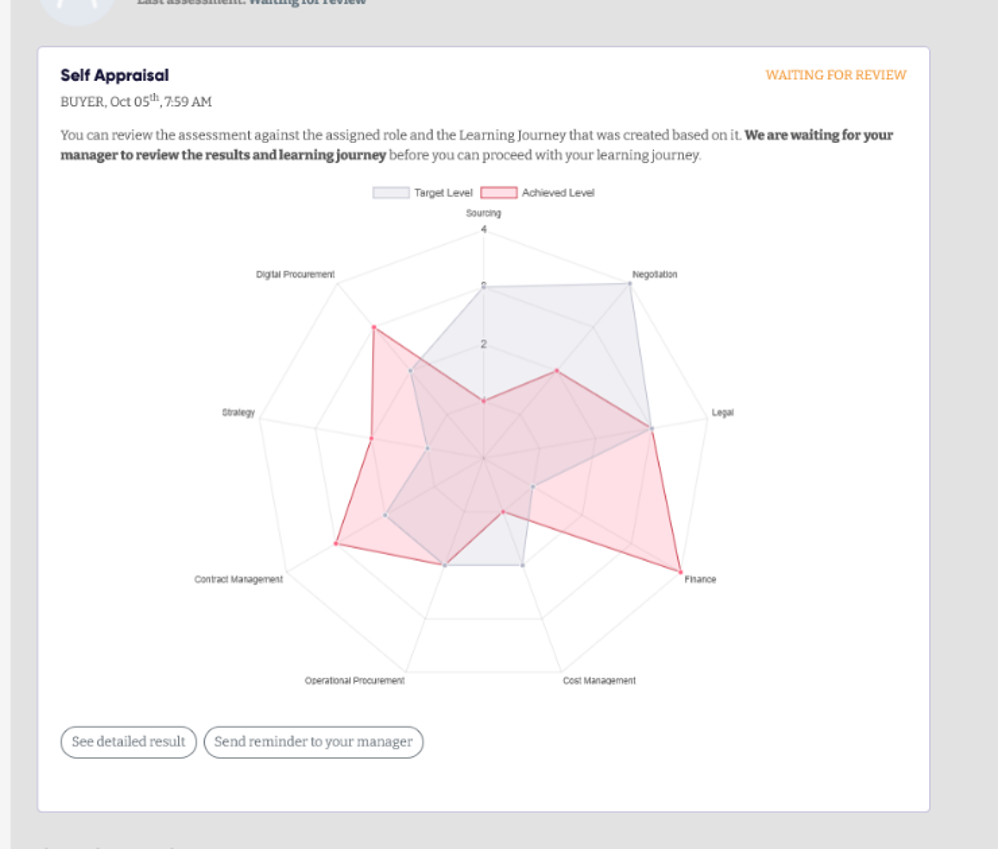
Screenshot: Assessment waiting for manager review, with the option to send a reminder.
After your manager approves the learning plan
Once your manager confirms the learning plan, the assessment status changes to completed and you can continue with your learning journey using the Continue My Learning option.
Important notes
• The exact assessment shown during registration depends on your organisation’s configuration.
• If the learning plan is still waiting for review, use My Assessments to check the status and send a reminder to your manager where the option is available.
• You can begin the assigned learning journey after the manager has confirmed the learning plan.